
+256200959991
Need Help ? Call Now


When looking for a replacement, you must check the "Output" section on your old power brick or the "DC Input" sticker on the bottom of your laptop.
Voltage ($V$): Must Match Exactly. If your laptop requires 19.5V, you must use a 19.5V adapter. A difference of more than 5% can fry the internal circuits (if too high) or cause instability (if too low).
Amperage ($A$): Must be Equal or Higher. If your laptop needs 3.33A, using a 4.62A adapter is perfectly safe; the laptop will only "pull" the power it needs. However, using a 2.31A adapter will cause the charger to overheat and likely fail.
Wattage ($W$): Must be Equal or Higher. Wattage is simply $Voltage \times Amperage$. A 90W charger can safely replace a 65W charger, but a 45W charger will be too weak for a 90W machine.
Even if the power specs match, the plug must fit. The most common types in 2026 are:
| Connector Type | Common Brands | Description |
| USB-C (PD) | Apple, HP, Dell, Lenovo | The modern standard. Reversible and often interchangeable between brands. |
| 4.5mm x 3.0mm | HP, Dell | Small barrel with a "Blue Tip" (HP) or "Small Pin." |
| 7.4mm x 5.0mm | HP, Dell | Large barrel with a center pin; used for older or high-power laptops. |
| Slim Tip | Lenovo | Rectangular connector that looks similar to a yellow USB port. |
| 5.5mm x 1.7mm | Acer, Asus | A standard "hollow" barrel without a center pin. |
Secure payment
Fast delivery
Easy returns
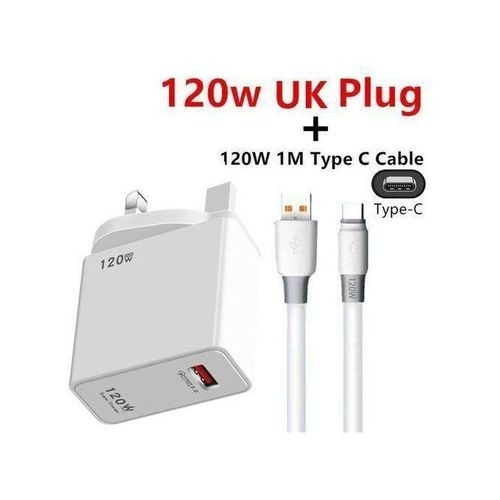
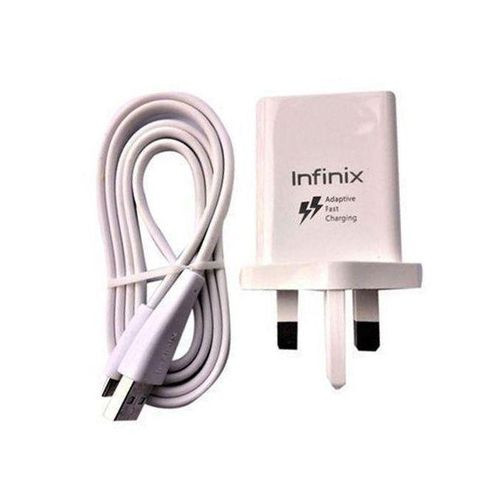
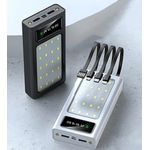
Hand-picked from the same category, just like the one you are viewing.

 Kibuga Foods
 Phones & Tablets
 Electronics
 Home & Office
 Appliances
 Health & Beauty
 Computing
 Fashion
 Baby Products